Introduction
Editing a PDF file should be simple. Yet for millions of users around the world, one problem keeps appearing again and again: fonts change after editing. Text suddenly looks different, spacing breaks, and the document no longer appears professional.
This is why searches like “edit PDF online without changing font”, “how to edit a PDF and keep the same font”, and “free PDF editor online no font change” continue to grow globally.
Professionals, students, freelancers, and businesses all share the same need:
👉 Edit a PDF online while keeping the original font exactly the same.
In this article, you’ll learn:
- Why font changes happen when editing PDFs
- Why keeping the same font matters
- The simple method professionals trust
- Why pdftools4you.com is the best free solution
- Clear answers to common questions
All explained in simple English, with no technical confusion, and designed for users in the US, Canada, the UK, and worldwide.
Why Fonts Change When Editing PDF Files
PDFs are not like Word documents. They are designed to lock layout, design, and fonts so documents look identical on every device.
According to Adobe, PDFs store text and fonts differently than editable documents, which is why editing them incorrectly often causes formatting problems.
Source: https://www.adobe.com/acrobat/resources/what-is-pdf.html
When you use the wrong editor:
- Fonts are replaced with similar ones
- Text spacing breaks
- Alignment shifts
- The document loses its professional look
This is why choosing the right online PDF editor is critical.
Why Keeping the Same Font Is So Important
1. Professional Appearance
Contracts, resumes, invoices, reports, and forms must look consistent. Even a small font change can make a document appear unprofessional or untrustworthy.
2. Brand Consistency
Businesses rely on specific fonts to maintain brand identity. Changing fonts can weaken credibility and visual consistency.
3. Legal and Academic Accuracy
In legal or academic documents, font changes may raise questions or cause rejection. Many institutions expect documents to remain visually unchanged.
Google itself recognizes PDFs as official, professional document formats when handled correctly.
Source: https://developers.google.com/search/docs/crawling-indexing/pdf-files
The Simple Method Professionals Trust
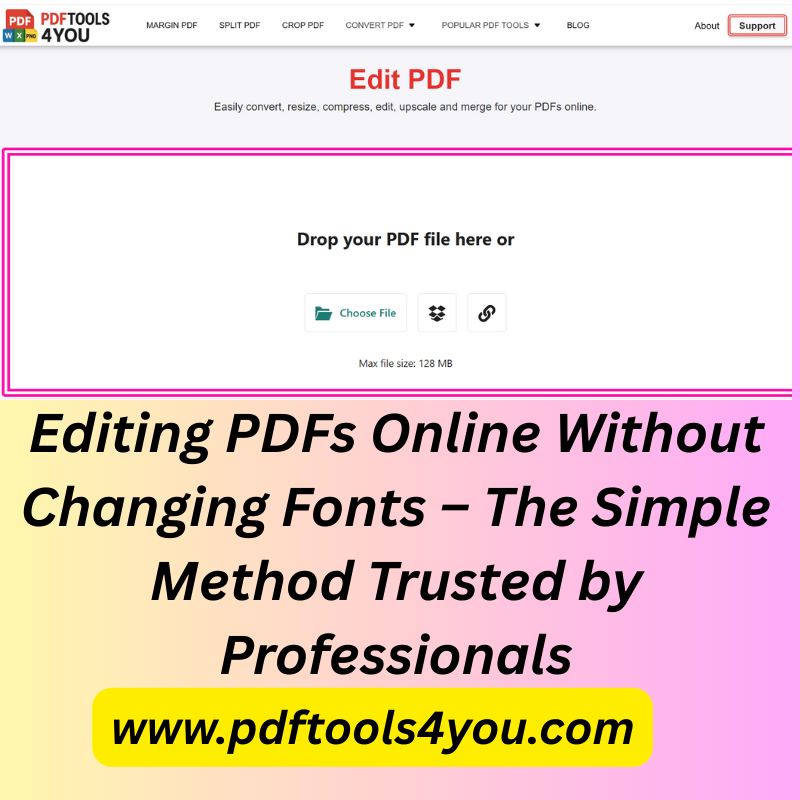
Edit PDFs Online Using a Tool That Preserves Fonts
The most reliable way to edit PDFs without changing fonts is to use a browser-based PDF editor designed to preserve original formatting.
This is exactly what pdftools4you.com offers.
Instead of converting your PDF into another format (which causes font loss), pdftools4you.com allows direct PDF editing while keeping:
- Original fonts
- Text size
- Layout and spacing
- Alignment
No software installation. No technical steps. No account required.
How to Edit a PDF Online Without Changing Fonts (Step-by-Step)
Step 1: Visit pdftools4you.com
Open pdftools4you.com in any browser. The website works smoothly on:
- Windows
- macOS
- Tablets
- Mobile phones
No registration required.
Step 2: Upload Your PDF File
Click upload and select your PDF. The process is instant and secure.
Step 3: Edit Text While Preserving Fonts
Make your edits directly inside the PDF:
- Correct text
- Update numbers
- Fix names or dates
The original font remains unchanged automatically.
Step 4: Download the Updated PDF
Download your edited PDF in seconds. The document looks exactly like the original—just updated.
Why pdftools4you.com Is the Best Choice
1. Fonts Stay Exactly the Same
This is the #1 reason professionals trust pdftools4you.com. The tool preserves the original font style, size, and spacing without manual adjustments.
2. Completely Free
Unlike many online tools that limit features or require payment, pdftools4you.com is 100% free.
No hidden costs. No trial limits.
3. No Registration Required
Users can start editing immediately. This aligns with usability research showing that removing sign-up barriers improves user satisfaction.
Source: https://www.nngroup.com/articles/registration-process/
4. Fast and Easy to Use
The interface is simple and clear. Anyone can use it—even without technical experience.
5. Secure and Private
Files are processed securely and not stored longer than necessary, following general web security best practices.
Source: https://owasp.org/www-project-top-ten/
6. Ideal for International Users
The website is designed in clear English, making it easy for users from the US, Canada, the UK, and other English-speaking countries.
Frequently Asked Questions
Can I edit a PDF online without changing the font?
Yes. Using pdftools4you.com, you can edit PDF text while keeping the original font unchanged.
Is pdftools4you.com really free?
Yes. The service is completely free with no registration and no hidden fees.
Do I need to install software?
No. Everything works directly in your browser.
Will my PDF layout stay the same?
Yes. Fonts, spacing, and alignment remain intact.
Is it safe to upload my PDF?
Yes. Files are handled securely and processed temporarily.
Can I use it on mobile devices?
Yes. The tool works on desktop, tablet, and mobile browsers.
Practical Tips for Best Results
- Use standard fonts when possible
- Avoid editing scanned PDFs unless text is selectable
- Review the final PDF before sharing or printing
These practices align with general document editing recommendations from Adobe and Microsoft.
Sources:
https://www.adobe.com/acrobat/resources.html
https://support.microsoft.com/pdf-documents
Conclusion
Editing PDFs online without changing fonts doesn’t need to be complicated or expensive.
The simple method professionals trust is using a tool designed specifically to preserve fonts, layout, and quality—and that is exactly what pdftools4you.com delivers.
With:
- No registration
- No cost
- No font loss
- No technical confusion
pdftools4you.com provides a smooth, professional, and reliable experience for anyone who needs to edit PDF files correctly.
For professionals, students, and businesses worldwide, it is the smart, trusted solution for editing PDFs online without changing fonts.
Comments (0)
Leave a Comment
No comments yet. Be the first to comment!