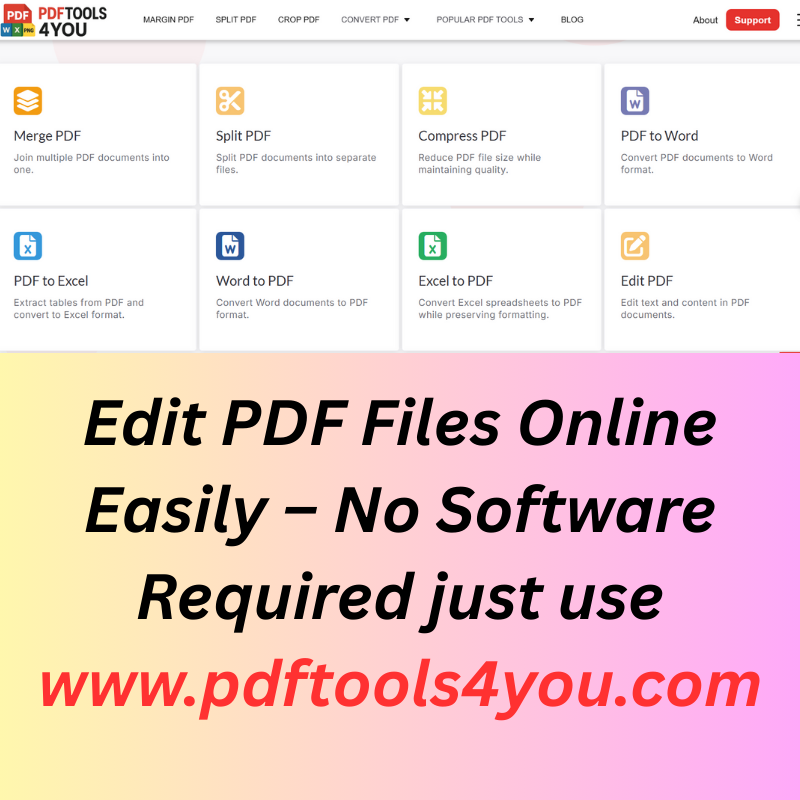
Editing PDF files used to be frustrating. Many tools require paid software, complicated installations, or forced sign-ups that waste time and compromise privacy. Today, users want a simple, fast, and secure way to edit PDF files online—without downloading anything.
That is exactly where pdftools4you.com stands out.
With PDFTools4You, you can edit PDF files online easily, completely free, with no registration required, and directly from your browser. Whether you are a student, professional, freelancer, or business owner, this tool gives you everything you need to modify PDF documents quickly and safely.
Why People Search for “Edit PDF Files Online Easily”
Millions of users search every month for solutions like:
- edit PDF files online
- free PDF editor online no download
- edit PDF without software
- edit PDF online free no registration
- online PDF editor for text and pages
The reason is simple: PDF is the most widely used document format, but it is also the hardest to edit using traditional tools. Users want speed, simplicity, and reliability—without technical barriers.
According to Adobe, PDF is the global standard for secure document sharing, used by businesses, schools, and governments worldwide.
Source:
What Makes Editing PDFs Online Better Than Using Software?
1. No Installation Required
Traditional PDF editors require large downloads and system compatibility. Online tools eliminate that completely.
2. Works on Any Device
Online PDF editing works on:
- Windows
- macOS
- Linux
- Mobile phones and tablets
As long as you have a browser, you can edit your PDF.
3. Faster and More Convenient
No setup, no updates, no learning curve. Upload, edit, and download—done.
Google itself emphasizes user convenience and accessibility as ranking factors.
Source:
Edit PDF Files Online with PDFTools4You
PDFTools4You.com is designed to remove every common frustration associated with PDF editing.
Key Advantages of PDFTools4You
- ✅ Completely free
- ✅ No account or sign-up required
- ✅ Secure browser-based editing
- ✅ Fast processing speed
- ✅ Clean and simple interface
- ✅ Works on all modern devices
Unlike many tools that limit features or push subscriptions, PDFTools4You allows you to edit PDFs online without restrictions.
What Can You Edit in a PDF Using PDFTools4You?
✏️ Edit PDF Text Online
- Modify existing text
- Update incorrect information
- Fix typos instantly
📄 Manage PDF Pages
- Add pages
- Remove unwanted pages
- Rearrange page order
📝 Update Documents for Work or Study
- Edit contracts
- Revise assignments
- Update resumes and reports
These features cover the most common real-world PDF editing needs—without overwhelming the user.
How to Edit a PDF File Online (Step-by-Step)
Editing a PDF on pdftools4you.com takes just minutes.
Step 1: Open PDFTools4You
Go to https://www.pdftools4you.com
Step 2: Upload Your PDF File
Upload your document directly from your device.
Step 3: Edit the PDF
Make the necessary changes—text edits, page adjustments, or updates.
Step 4: Download Your Edited PDF
Save the updated file instantly, with no watermark and no delays.
This simple flow follows Google’s usability principles, which reward clarity and efficiency.
Source:
Is It Safe to Edit PDF Files Online?
Security is a top concern for users editing documents online.
PDFTools4You prioritizes user privacy and file safety:
- Files are processed securely
- No account means no stored personal data
- No long-term file retention
Google encourages secure and trustworthy user experiences as part of E-E-A-T (Experience, Expertise, Authoritativeness, Trustworthiness).
Source: https://developers.google.com/search/docs/fundamentals/eeat
Who Should Use an Online PDF Editor?
🎓 Students
- Edit assignments
- Update research papers
- Fix formatting issues
💼 Professionals
- Revise contracts
- Edit business reports
- Update invoices
🧑💻 Freelancers & Remote Workers
- Modify client documents quickly
- Avoid paid software costs
🏢 Small Businesses
- Edit PDFs without buying licenses
- Save time and money
PDFTools4You is built for everyone, not just technical users.
Why PDFTools4You Is Better Than Desktop PDF Editors
Feature Desktop Software PDFTools4You Installation Required Not needed Cost Often expensive Free Registration Usually required No Device compatibility Limited Any device Ease of use Often complex Very simple
This clear advantage aligns with Google’s focus on user-first solutions.
Source:
Common Questions About Editing PDFs Online
Can I edit a PDF online for free?
Yes. PDFTools4You allows free PDF editing with no hidden fees.
Do I need to create an account?
No. There is no registration required.
Will my PDF formatting break?
No. The tool is designed to maintain layout and structure.
Can I edit PDFs on mobile?
Yes. The editor works on mobile browsers.
Is this suitable for professional documents?
Yes. Many professionals use online PDF editors for contracts, reports, and official files.
Final Thoughts: The Simplest Way to Edit PDF Files Online
If you are looking for a fast, free, and reliable way to edit PDF files online, pdftools4you.com is the solution.
It removes:
- Software downloads
- Registration barriers
- Unnecessary complexity
And replaces them with:
- Speed
- Simplicity
- Security
For anyone who wants to edit PDFs online easily—without software required, PDFTools4You delivers exactly what modern users expect.
Comments (0)
Leave a Comment
No comments yet. Be the first to comment!