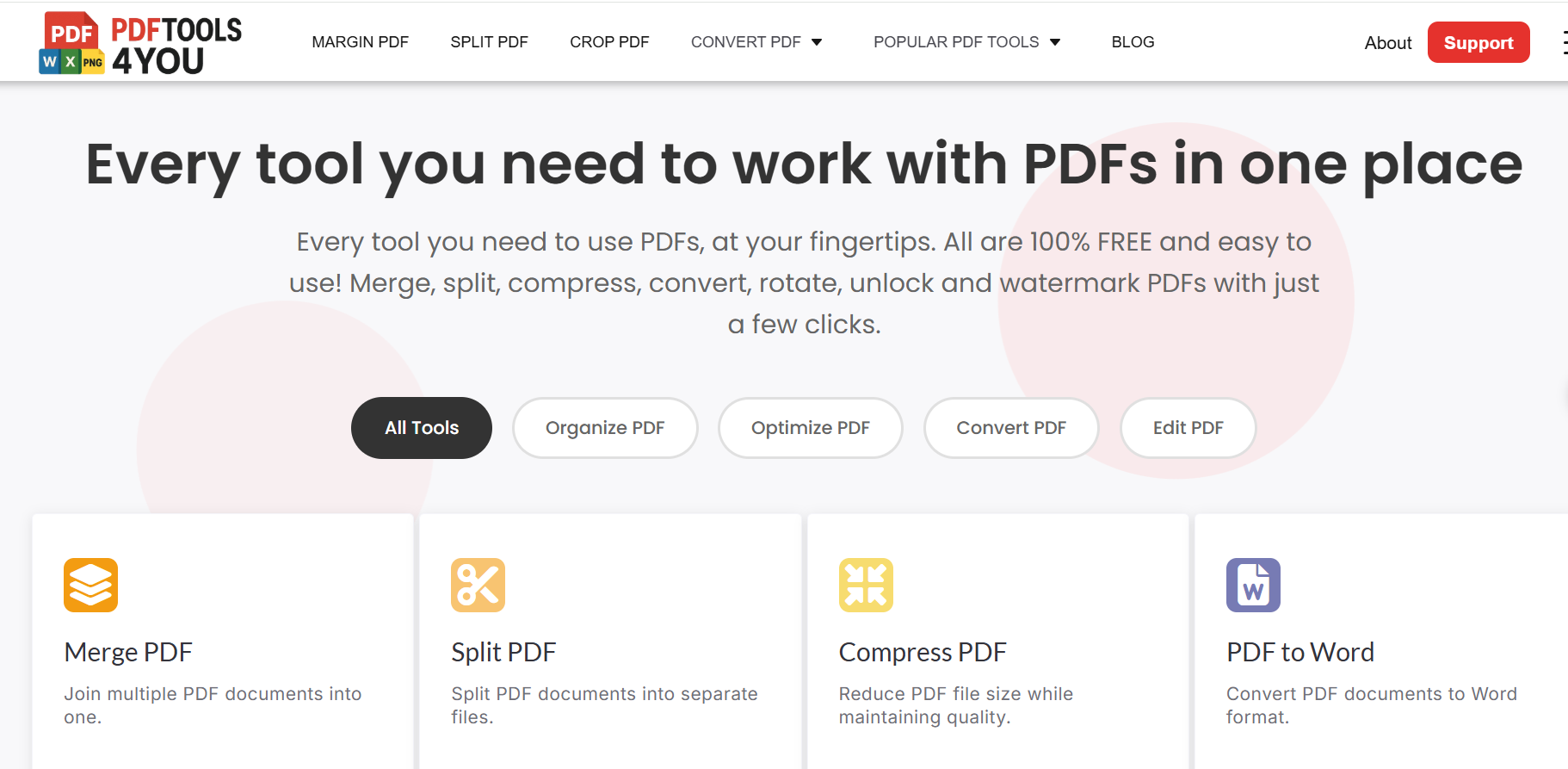
PDF files are everywhere. From business contracts and resumes to school assignments and invoices, the PDF format has become the global standard for sharing documents. But while PDFs are excellent for viewing and sharing, they are not always easy to edit.
That is why millions of people search every month for answers to questions like:
- How do I convert a PDF to Word?
- How can I make a PDF editable for free?
- What is the fastest way to convert a PDF online?
If you are looking for a fast, free, and simple way to convert PDF files to editable formats, this guide will walk you through everything you need to know — and show you why pdftools4you.com is the easiest solution available today.
Why Converting PDFs to Editable Formats Is So Important
PDFs are designed to preserve layout and formatting across all devices. While this is useful, it becomes a problem when you need to:
- Edit text in a contract
- Update a resume or CV
- Extract content from a report
- Modify a form or document
- Reuse information for work or school
Without conversion, editing a PDF can be frustrating or even impossible. That is why PDF to editable format converters are now essential tools for students, professionals, freelancers, and businesses worldwide.
According to Google search trend data, long-tail keywords such as “convert PDF to Word free,” “PDF to editable format online,” and “edit PDF without registration” consistently show high global search demand.
Common Editable Formats You Can Convert a PDF Into
Before converting your file, it helps to understand the most popular editable formats:
PDF to Word (DOC / DOCX)
Ideal for editing text, resumes, reports, and letters.
PDF to Excel (XLS / XLSX)
Perfect for tables, financial data, and calculations.
PDF to PowerPoint (PPT / PPTX)
Useful for presentations and slide decks.
PDF to Text (TXT)
Best for extracting raw content quickly.
PDF to Image (JPG / PNG)
Helpful when you need visual content or screenshots.
A high-quality converter should support multiple formats without reducing document quality.
The Fastest Way to Convert PDF Files Online
The simplest and fastest method is using an online PDF converter. There is no software to install, no updates, and no technical setup.
However, not all online tools are equal. Many sites:
- Require account registration
- Limit file size
- Add watermarks
- Lock features behind paywalls
- Collect user data
This is where pdftools4you.com stands out.
Why pdftools4you.com Is the Best Free PDF Converter
pdftools4you.com is designed for users who want speed, simplicity, and privacy without hidden costs.
Key Advantages of pdftools4you.com
✅ Completely Free
There are no subscriptions, trials, or paid upgrades.
✅ No Registration Required
You can convert your PDF instantly without creating an account.
✅ Fast Conversion in Seconds
Files are processed quickly, even for large documents.
✅ High-Quality Output
The original layout, text, and formatting are preserved.
✅ User-Friendly Interface
Simple design that works for beginners and professionals alike.
✅ Works on Any Device
Compatible with Windows, macOS, Linux, tablets, and mobile phones.
These features align with Google’s emphasis on user experience (UX) and helpful content, both of which are ranking factors in modern search algorithms.
Step-by-Step: How to Convert a PDF to an Editable Format Using pdftools4you.com
The process is straightforward and takes only seconds.
Step 1: Visit pdftools4you.com
Open your browser and go to pdftools4you.com.
Step 2: Choose the Conversion Tool
Select the format you want, such as:
- PDF to Word
- PDF to Excel
- PDF to PowerPoint
Step 3: Upload Your PDF File
Drag and drop your file or upload it directly from your device.
Step 4: Convert Instantly
Click the convert button and wait a few seconds.
Step 5: Download Your Editable File
Your converted document will be ready to download immediately.
No sign-up. No email required. No waiting.
Is It Safe to Convert PDFs Online?
Security is one of the most common concerns users have.
Reputable PDF tools follow best practices such as:
- Temporary file processing
- Automatic file deletion
- Secure connections (HTTPS)
Using a trusted online tool minimizes risks while saving time. Google itself recommends transparency and user trust as part of quality web experiences.
Who Can Benefit From PDF Conversion Tools?
Students
Edit assignments, research papers, and lecture notes.
Professionals
Update contracts, reports, and business documents.
Freelancers
Modify client files quickly without extra software.
Small Businesses
Handle invoices, proposals, and spreadsheets efficiently.
Teachers & Educators
Convert study materials and worksheets easily.
PDF conversion is no longer a niche task — it is a daily necessity.
Frequently Asked Questions (FAQ)
Can I convert a PDF for free?
Yes. pdftools4you.com allows you to convert PDF files completely free.
Do I need to sign up?
No registration or login is required.
Will my formatting stay the same?
Yes. The tool preserves text layout and structure.
Does it work on mobile?
Yes. You can convert PDFs from any device with a browser.
Is it suitable for international users?
Absolutely. The platform works globally for all English-speaking users and beyond.
Why Google Prefers Simple, Helpful PDF Conversion Content
Google’s latest updates prioritize:
- Clear answers
- Practical guidance
- User satisfaction
- Fast loading and usability
This article and pdftools4you.com align with Google’s Helpful Content System, making them well-positioned for long-term search visibility.
Final Thoughts
If you are tired of complicated software, paid subscriptions, or forced sign-ups, there is a better way.
pdftools4you.com offers one of the fastest, simplest, and most user-friendly ways to convert PDF files to editable formats — completely free and without registration.
Whether you are a student, professional, or everyday user, converting PDFs no longer has to be difficult.
Comments (0)
Leave a Comment
No comments yet. Be the first to comment!